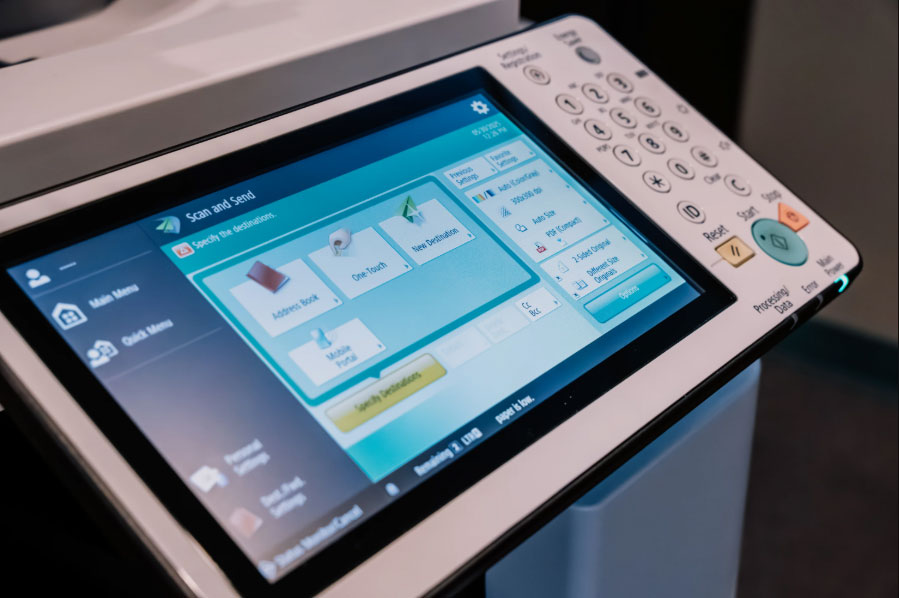
Multifunction printers and applications are not email servers. While they can create email messages, they rely on Microsoft 365 to deliver them. To do so, they must authenticate using methods Microsoft considers secure.
Microsoft is retiring one of the most commonly used—but least secure—authentication methods. As a result, many scan-to-email configurations currently in use will no longer function after enforcement begins.
Microsoft is permanently removing Basic authentication for Client SMTP Submission (SMTP AUTH).
- Enforcement begins March 1, 2026
- Full enforcement is expected by April 30, 2026
- Devices using Basic authentication will be blocked
- OAuth will be required if SMTP AUTH is used
Basic authentication transmits usernames and passwords in plain text, making it vulnerable to phishing and credential compromise. Microsoft has been phasing this out since 2019, with SMTP AUTH being the final exception.
Microsoft identifies three primary methods used by MFPs and applications to send email:
- SMTP AUTH (Client Submission)
Uses mailbox credentials to authenticate and send mail
- SMTP Relay
Sends mail through Microsoft 365 using IP-based trust and TLS encryption
- Direct Send
Sends unauthenticated mail directly to Microsoft 365
Organizations using SMTP AUTH with Basic authentication will be impacted by this change.
If Basic is listed, that device will require remediation before April 2026.
Option 1: Move to OAuth 2.0
OAuth 2.0 replaces stored credentials with short-lived access tokens and supports advanced security features such as MFA and Conditional Access.
Considerations:
- Must be configured individually on each MFP
- Requires compatible hardware and firmware
- Limited support across many legacy devices
- Not centrally managed in most environments
Option 2: SMTP Relay via Microsoft 365 (Recommended)
For most organizations, AIS recommends transitioning MFPs to SMTP relay.
Why this works well:
- No stored credentials on devices
- Uses IP allow-listing and TLS encryption
- Supported across nearly all MFP models
- Aligns with Microsoft security best practices
This approach is especially effective for organizations with a mixed or aging device fleet.
Option 3: Microsoft High Volume Email (HVE)
HVE is a Microsoft preview service intended for internal-only email delivery.
- Supports Basic authentication until September 2028
- Useful as a temporary or niche solution
- Not designed for external email delivery
Option 4: Software-Based Scanning Solutions
Modern scanning and workflow platforms can replace traditional SMTP email delivery altogether. These solutions often provide:
- Centralized configuration
- Enhanced security
- Advanced routing and automation
AIS can help evaluate whether a software-based approach is appropriate.
AIS is actively working with clients to prepare for Microsoft’s 2026 enforcement deadline. Our team can:
- Audit your current scan-to-email configuration
- Identify affected devices
- Recommend the best path forward
- Implement and test changes well ahead of the cutoff
Early planning reduces risk, avoids downtime, and ensures a smooth transition.
Contact Advanced Imaging Solutions (AIS) to schedule a review and ensure your scan-to-email workflows remain secure and operational.